
AppMobile app coming soon
Everything Visitly does, in one place
The Visitly app runs on your phone and on your computer. Here is a look at the four main screens.
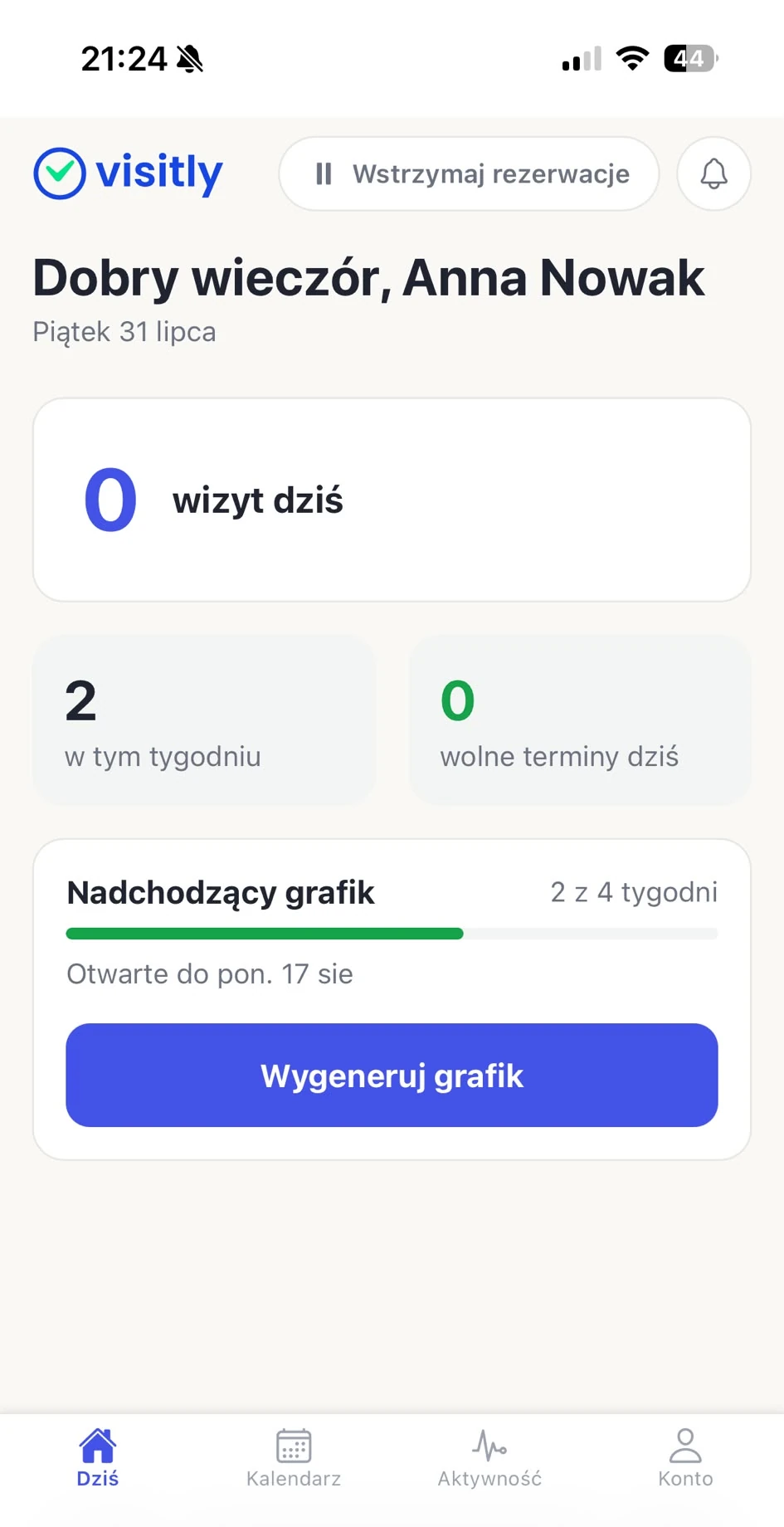
Today screen
Visits, open slots and the state of your schedule in one place, the moment you open the app.
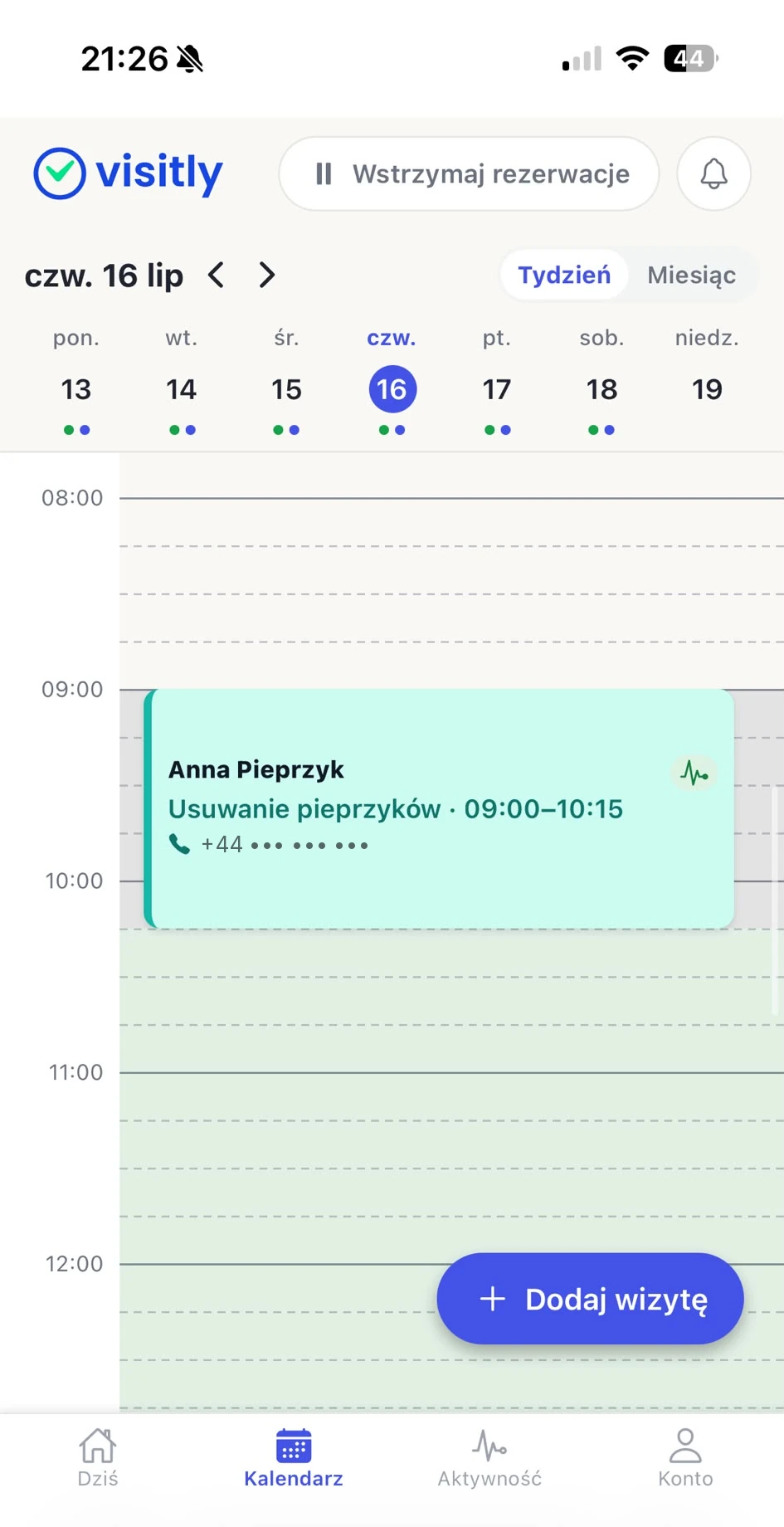
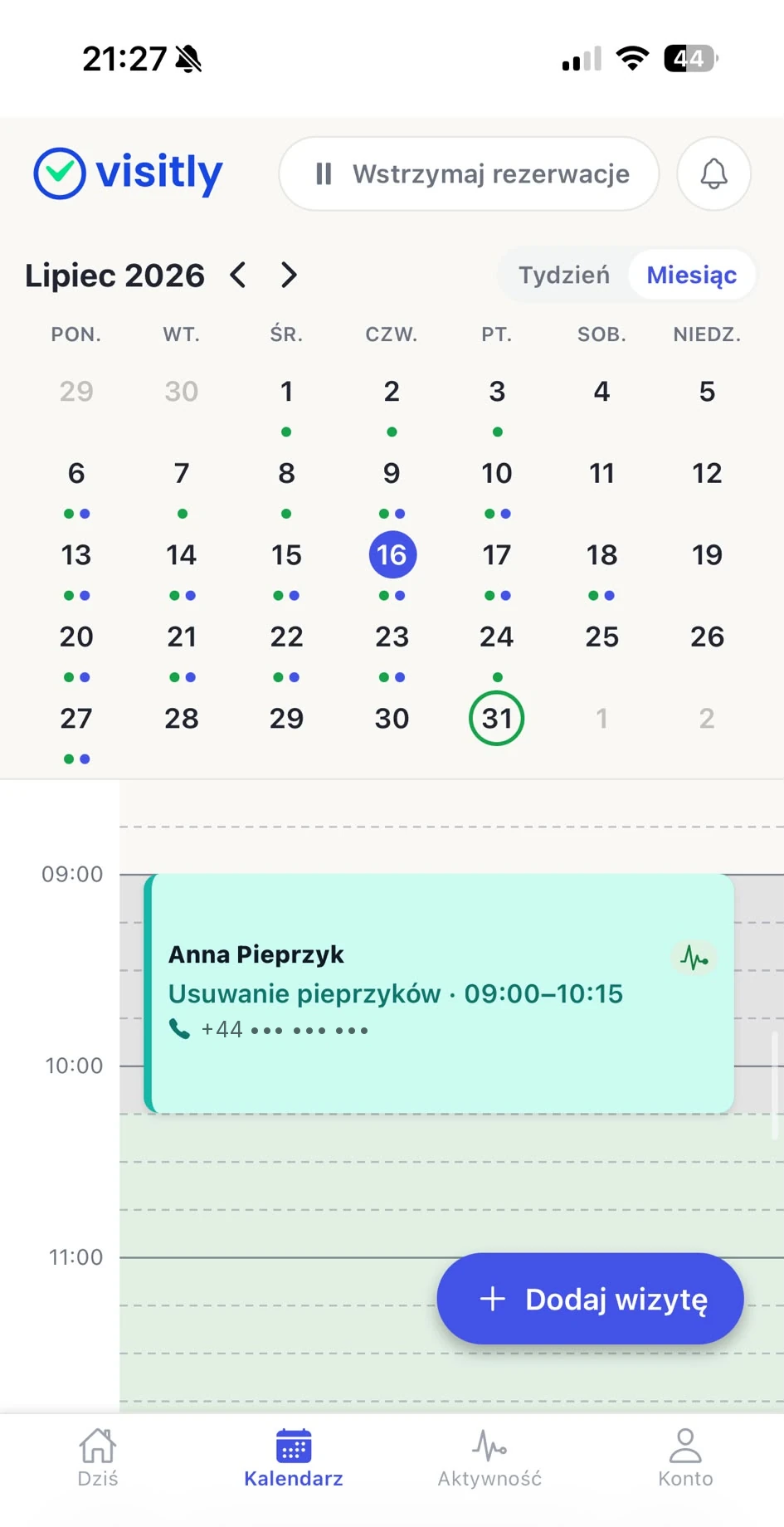
Practice calendar
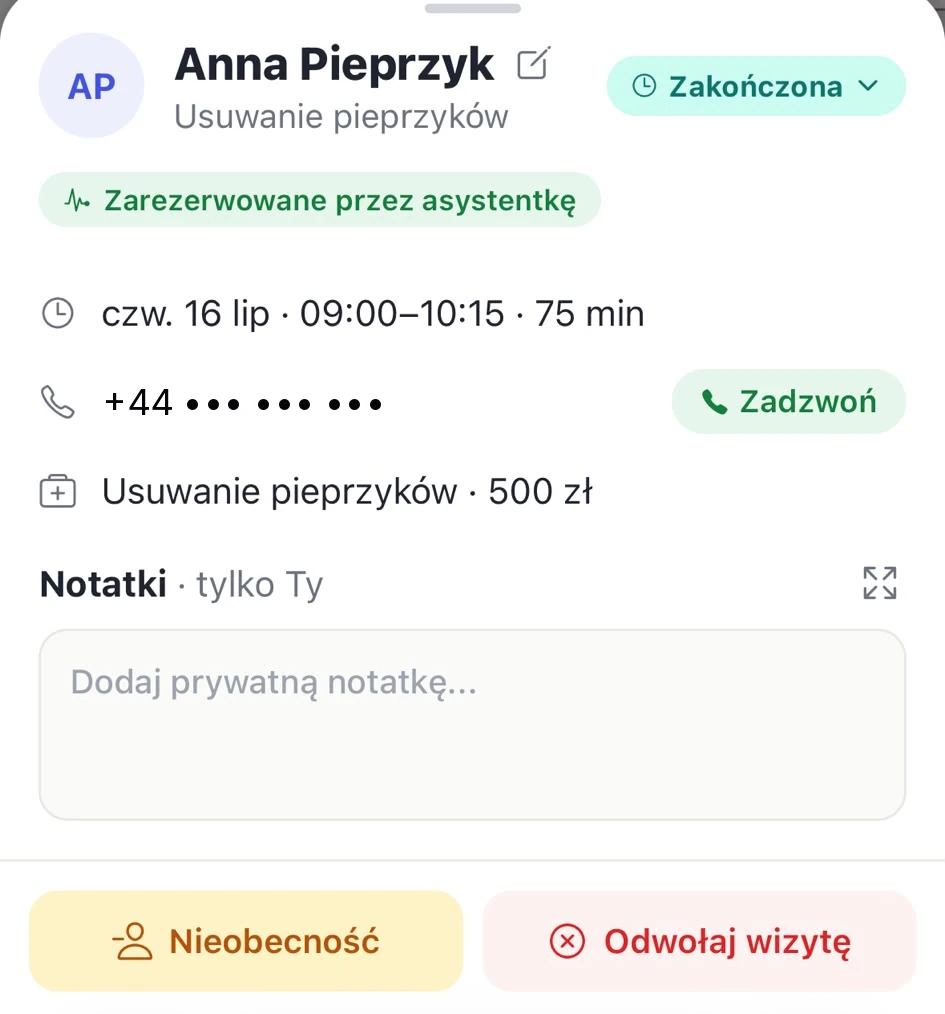
The day on a timeline. Open any visit to check its details, leave a note, call the patient or cancel the visit.
Month view
A whole month on one screen. A green dot marks open slots, a blue one booked visits.
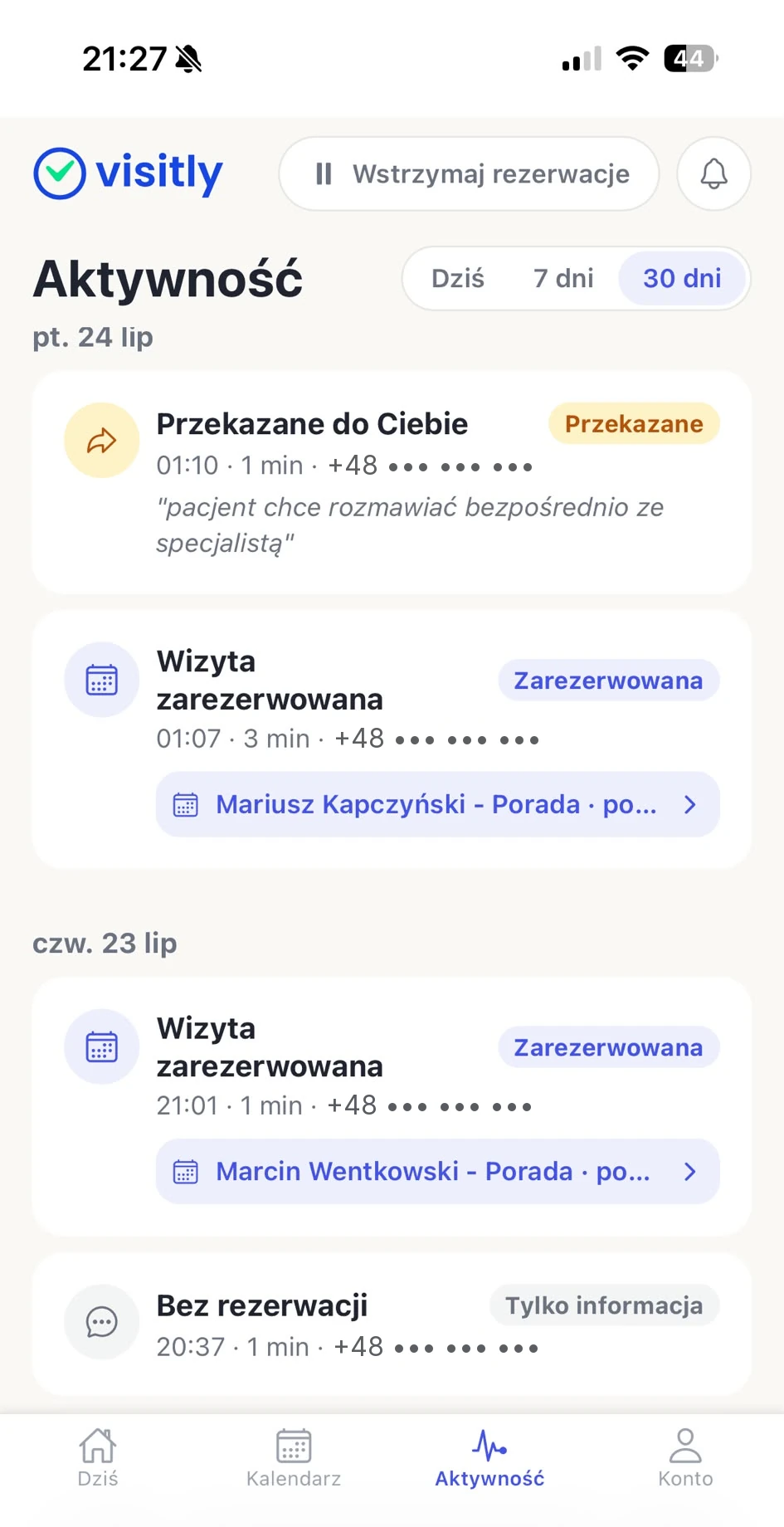
Activity feed
Every call and what came of it: a booking, an answered question, or a call passed on to the specialist.
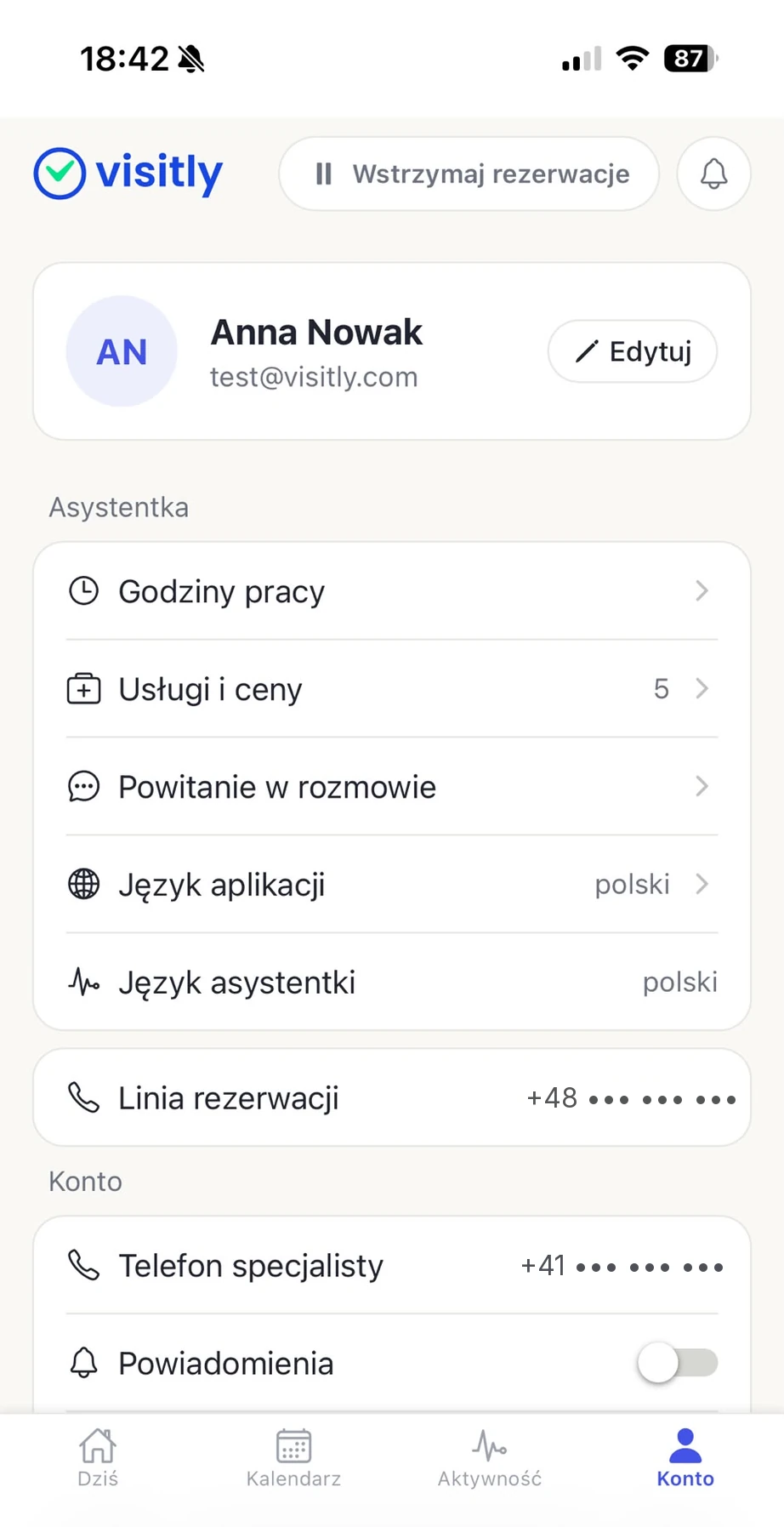
Account and settings
Working hours, services and prices, and the greeting callers hear. This is where you set the rules Visitly books by.